 crabsmith
Laravel Cloud vs Laravel Forge (And a $5/mo VPS Alternative)
Compare Laravel Cloud vs Laravel Forge vs Crabsmith on real monthly cost, autoscaling vs VPS ownership, Caddy vs Nginx, and lock-in to pick the right fit.
· 7 min read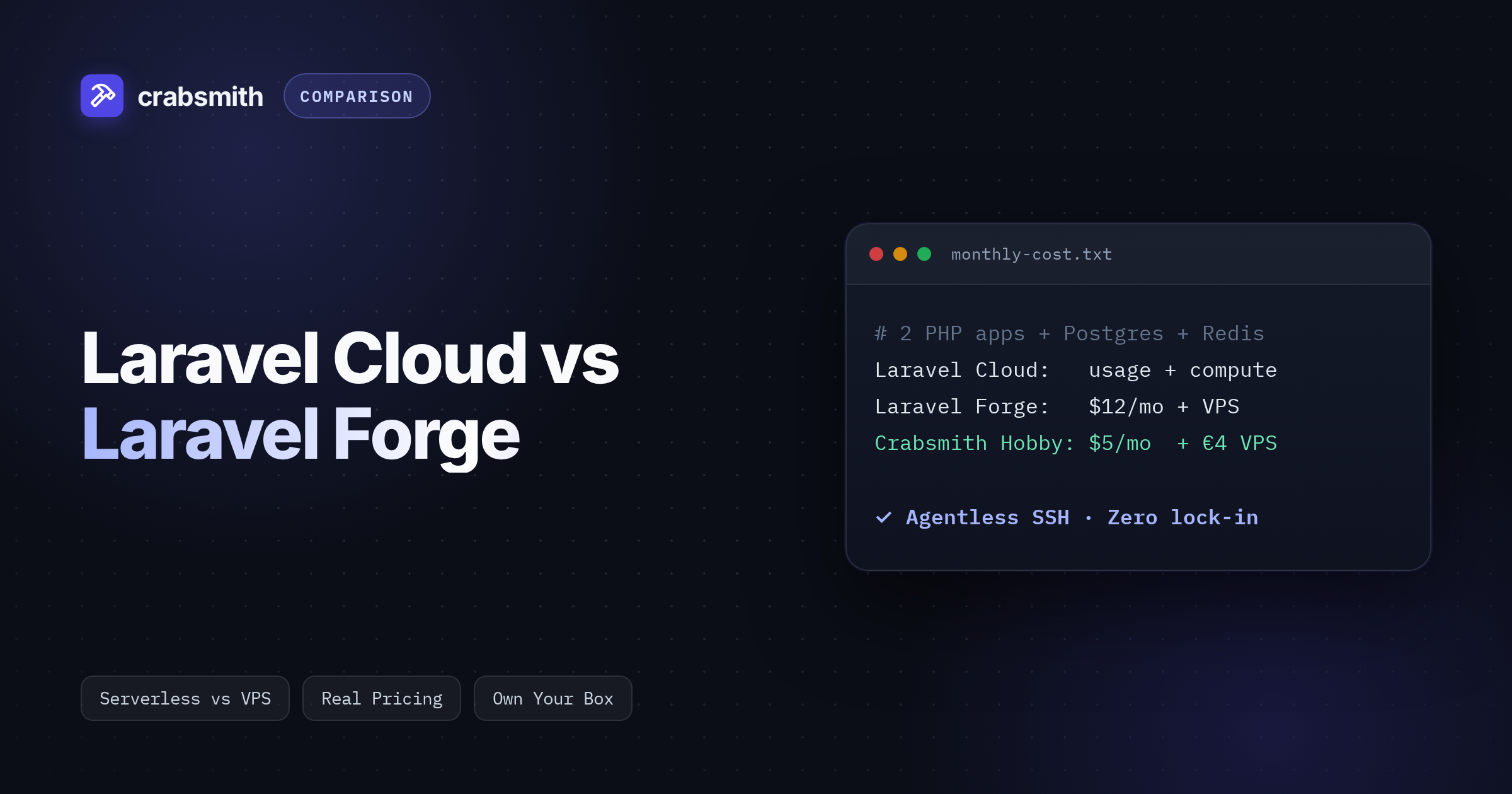
On this page
Deciding between Laravel Cloud vs Laravel Forge comes down to a trade-off every Laravel engineer eventually faces: do you want fully managed, usage-billed infrastructure where you never touch SSH again, or do you want flat, predictable monthly pricing and full root ownership of your own Ubuntu VPS?
And right alongside those two official Laravel products sits a third option a lot of indie hackers and small teams overlook: a hosted, agentless SSH control panel with Caddy automatic HTTPS and native systemd that gives you the same VPS ownership as Forge for less than half the panel bill.
I've deployed Laravel apps just about everywhere: raw Ubuntu boxes with hand-written Bash, Forge on Hetzner, and managed PaaS platforms. In this breakdown we'll compare Laravel Cloud, Laravel Forge, and Crabsmith on real monthly math, scaling behavior, day-two debugging, database and network control, security ownership, and lock-in, so you can pick the right home for your app without overpaying.
(Comparing Forge against Ploi, RunCloud, and Coolify too? See our Laravel Forge alternative comparison page and the full Laravel Forge alternative deep dive.)
Laravel Cloud vs Laravel Forge: The Core Architectural Split
Before opening any pricing calculator, look at what you're actually buying with each model:
| Dimension | Laravel Cloud | Laravel Forge | Crabsmith |
|---|---|---|---|
| Where your app runs | Laravel's managed cloud | Your own VPS (Hetzner, DO, AWS, etc.) | Your own Ubuntu 24.04 / 26.04 VPS |
| Root SSH access | No | Yes | Yes (the panel connects over SSH only) |
| Web server & TLS | Managed edge | Nginx + Certbot | Caddy (automatic HTTPS) |
| Services installed | Managed add-ons (DB, KV, object storage) | Full opinionated default stack | Only what you choose |
| Queue workers | Managed worker clusters | Supervisor | Native systemd units |
| Pricing model | Usage-based (compute + DB + bandwidth) | $12/mo (1 server) / $19/mo unlimited + VPS | $5/mo (2 servers) / $12/mo unlimited + VPS |
| Exit / lock-in | Higher (platform-specific infra) | Low (plain Ubuntu) | Low (plain Ubuntu + Caddy + systemd) |
This isn't a "good vs. bad" chart. It's managed elasticity vs. owned-server economics, and both are legitimate choices.
Real Monthly Cost: Running 2 Laravel SaaS Apps + Postgres + Redis
Let's run numbers for a very common indie or small-agency setup:
- 2 production Laravel apps (plus 1 staging site)
- PostgreSQL + Redis for cache and queues
- An always-on queue worker and the Laravel scheduler
- Moderate steady traffic: say 50k–200k requests a day and 100–300 GB a month of outbound bandwidth
Option 1: Laravel Cloud
Laravel Cloud shines on time-to-first-deploy: connect GitHub, pick a compute size, attach managed Postgres and a managed KV store, and you're live in minutes with zero Linux knowledge. You also get autoscaling and hibernation for preview or low-traffic environments.
The catch is compound usage billing. Once you run two always-on production apps with dedicated workers, managed Postgres, managed Redis, and real outbound bandwidth, each meter ticks on its own. For a funded startup where an engineering hour costs $150, paying a three-figure monthly bill to never think about Linux is a bargain. For a bootstrapped SaaS or an indie dev with four side projects, those per-app costs add up fast. Run your own traffic through their pricing calculator before you commit; I won't pretend to know your usage.
Option 2: Laravel Forge + a Hetzner VPS
Hetzner's entry shared-vCPU plan (2 vCPU, 4 GB RAM, 40 GB NVMe, 20 TB of traffic in its EU locations) runs around €4 a month:
- 1 server on Forge's single-server plan ($12/mo) + the VPS (~$4.50) = about $16.50/mo flat for both apps, Postgres, Redis, and workers.
- 2+ servers (production and staging apart, or a US and an EU region) moves you to Forge's unlimited plan ($19/mo) + two VPSes = about $28/mo flat.
No bandwidth surprises, full SSH access, the same bill every month.
Option 3: Crabsmith + the same Hetzner VPS
Run the exact same Hetzner box (or a DigitalOcean, Vultr, UpCloud, or AWS Ubuntu VPS) with Crabsmith:
- Up to 2 servers on Hobby ($5/mo) + one VPS (~$4.50) = about $9.50/mo flat, or about $14 with two separate servers.
- Unlimited servers on Pro ($12/mo): the panel price stays the same no matter how many servers you add.
You can even create the Hetzner, DigitalOcean, Vultr, or UpCloud server from inside the panel with your own API token; the provider bills you directly, with no markup. You get automatic HTTPS through Caddy, systemd queue workers, push-to-deploy from GitHub, UFW firewall management, and full root SSH, for roughly half the panel cost of Forge and a fraction of usage-billed hosting.
Day-Two Reality: Latency, Local Databases, and Debugging
Pricing gets all the attention on social media, but day-two ergonomics matter just as much once real users rely on your app.
Local database latency vs. networked managed databases
When Laravel talks to PostgreSQL or MySQL over a Unix socket or 127.0.0.1 on the same NVMe box, a simple indexed query comes back in a fraction of a millisecond. When the app connects over the network to a managed database, every query pays a network round trip on top, typically a millisecond or more. That sounds tiny until an Eloquent page fires 25 queries and the round trips add tens of milliseconds before you even think about caching. Measure your own app with Laravel Debugbar or Telescope; the difference is easy to see.
Running system binaries and SQLite in production
A lot of modern Laravel apps run SQLite in WAL mode on local NVMe, or shell out to native binaries like ffmpeg, pdftoppm, libreoffice, or tesseract from queued jobs. On an ephemeral platform, stateful local disks and custom OS packages are either unsupported or awkward. On your own Ubuntu VPS, sudo apt-get install -y ffmpeg takes a few seconds and the disk is right there.
Debugging a live incident
When a queue job hangs or a webhook starts returning 500, being able to SSH in and run htop, journalctl -u <your-worker-unit> -f, tail -f storage/logs/laravel.log, or php artisan tinker against localhost is pure gold. Managed platforms give you log viewers, which cover most bugs, until you hit the one where nothing beats a real shell.
When Laravel Cloud Is Genuinely Worth Paying For
Don't over-optimize $40 a month if your time is better spent shipping features. Pick Laravel Cloud when:
- You truly don't want to touch Linux, SSH, or OS upgrades. Not everyone enjoys tuning PHP-FPM pools or checking
/var/run/reboot-required. Paying someone to own the OS layer is completely valid. - Your traffic is wildly spiky. If a launch or a viral post sends 20× normal traffic for three hours and then drops back, automatic horizontal scaling saves you from resizing a VPS at midnight.
- You want ephemeral environments per branch that hibernate when nobody is testing them.
- Your company wants one vendor invoice covering compute, managed Postgres, object storage, and support.
When Owning Your Own Ubuntu VPS Wins
Pick your own Ubuntu 24.04/26.04 VPS (with Forge or Crabsmith) when:
- You want flat, predictable costs. Whether you serve 10 GB or 5 TB this month, the VPS price doesn't move (within the provider's included traffic).
- You run several apps, staging sites, or internal tools. Three to five small Laravel apps on one 4 GB VPS cost nothing extra per app.
- You need full Linux control. System binaries, PHP extensions, local SQLite or Postgres on NVMe, and SSH whenever you want it.
- You care about lock-in. Plain Ubuntu + PostgreSQL + Caddy runs anywhere: Hetzner today, DigitalOcean tomorrow, bare metal next year.
Forge vs. Crabsmith: Why Developers Move to Caddy + Agentless SSH
Once you've decided to own the server, the choice between Laravel Forge and Crabsmith comes down to architecture and taste:
- Laravel Forge installs a full, opinionated Nginx + Certbot + Supervisor stack. It's mature, known across Laravel agencies, and has deep presets for Octane and Horizon.
- Crabsmith takes a leaner approach on modern Ubuntu:
- Nothing installed until you pick it in Services: no unused MySQL or Memcached eating RAM on a small server.
- Caddy instead of Nginx + Certbot: short site configs with automatic Let's Encrypt certificates and Zstd compression (see Caddy vs Nginx for Laravel).
- Native systemd instead of Supervisor: queue workers live in Daemons as
crabsmith-daemon-<id>units, with logs injournalctl. - Agentless SSH and readable Bash: no background daemon of ours on your VPS. Every deploy (Deploys) and setup step is an operation you can open and read, and Crabsmith never touches configs it didn't create.
Want to see what actually runs on a Crabsmith server? SSH in and run:
systemctl list-units --type=service --state=running --no-pager
sudo ss -tulpn
ls -la /etc/caddy/sites/
No mystery agents, just clean Ubuntu 24.04 or 26.04. If you ever cancel Crabsmith, remove its key from /home/crab/.ssh/authorized_keys and your production server keeps running untouched.
Bottom Line: Pick the Model That Matches How You Build
- Want zero Linux ops and automatic burst scaling? Go with Laravel Cloud.
- Want your own VPS on the classic Nginx + Supervisor Laravel stack? Go with Laravel Forge.
- Want your own Ubuntu VPS with Caddy automatic HTTPS, native systemd, nothing you didn't choose, and $5/mo (2 servers) or $12/mo (unlimited) pricing? Try Crabsmith.
Read our step-by-step Ubuntu VPS Laravel deployment guide or the Hetzner Laravel tutorial, or connect a spare VPS with a 7-day free trial (no credit card required).