 crabsmith
Best Laravel Forge Alternative for Ubuntu (Agentless & Caddy)
Compare Crabsmith, Laravel Forge, Ploi, RunCloud, and Coolify for Ubuntu servers. See real trade-offs on SSH vs agents, Caddy vs Nginx, and zero lock-in.
· 9 min read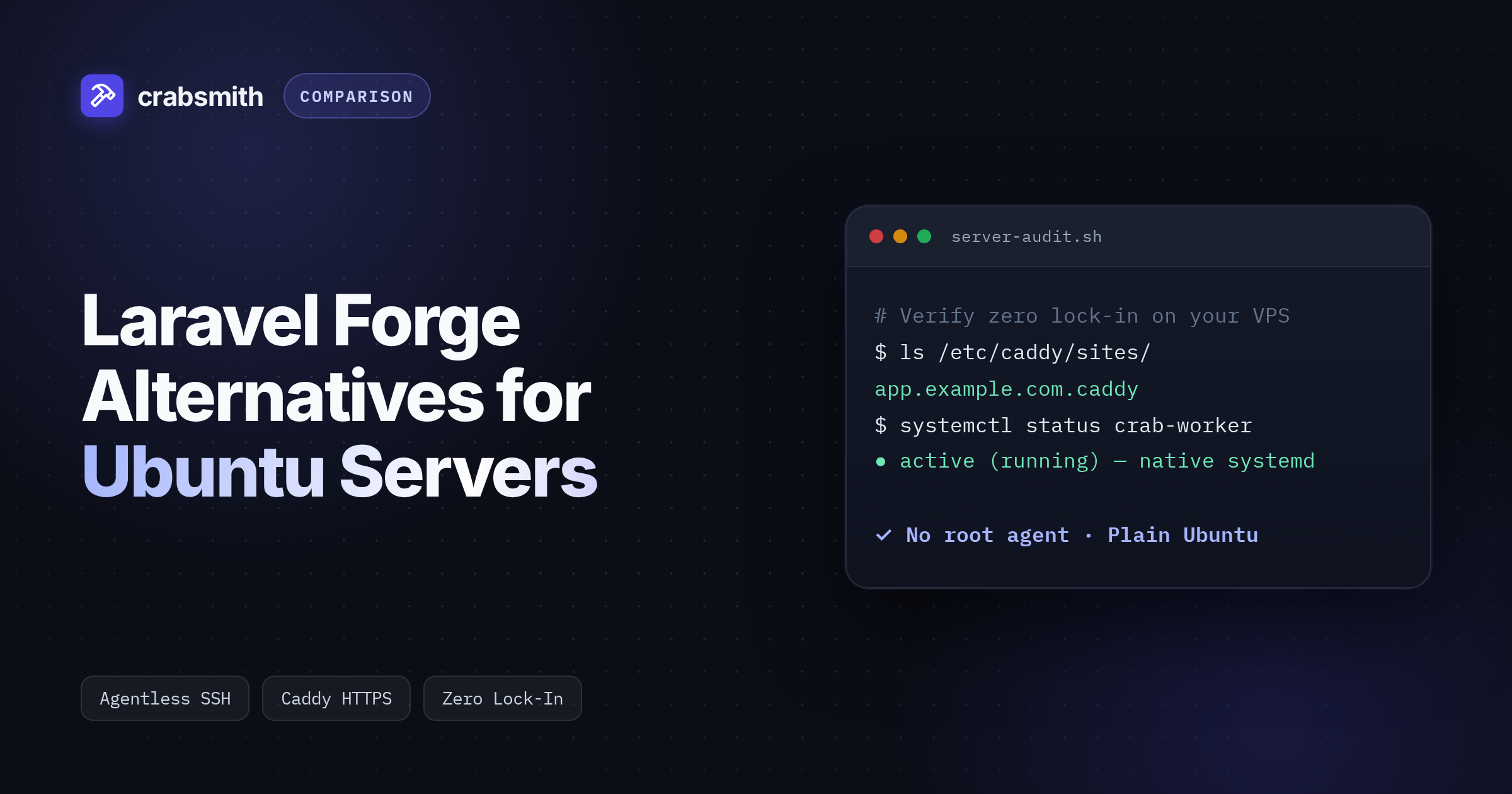
On this page
If you spend enough time deploying PHP, Laravel, or Node.js apps onto your own Ubuntu boxes, you eventually go hunting for a Laravel Forge alternative. Not because Forge is broken — honestly, Taylor and the Forge team built a rock-solid product that popularized the whole "bring your own VPS" workflow — but because once you've been running Linux servers for a few years, your opinions sharpen.
Maybe you're tired of staring at 80-line Nginx blocks and babysitting Certbot renewal timers when Caddy does automatic HTTPS in ten lines. Maybe you're running two tiny €4 Hetzner boxes for side projects and paying $19/mo for Forge's Growth tier feels upside-down when your actual compute bill is $9. Or maybe you just hate the idea of a control panel installing a mystery stack on your server that you didn't ask for.
Most "best alternatives" posts are affiliate-link spam that copy-pastes pricing tables from two years ago and calls it a day. This isn't that. I want to walk through what actually lands on your Ubuntu 24.04 or 26.04 machine when you connect it to Laravel Forge, Ploi, RunCloud, Coolify, and Crabsmith — how they connect, what runs as root, how TLS and queue workers behave at 2 a.m., and how to migrate a live production app without taking downtime or getting locked in.
(Want the short side-by-side feature table? Check our dedicated Laravel Forge alternative comparison page.)
What Actually Makes a Good Laravel Forge Alternative in 2026?
Before comparing logos, it helps to be brutally honest about what you actually want a server control panel to do — and what you want it to leave alone. After years of running production boxes on Hetzner, DigitalOcean, Vultr, and bare metal, I've narrowed it down to five non-negotiables:
1. The server stays yours if you cancel tomorrow
This is the single most important litmus test in server management. If you cancel your panel subscription and revoke its SSH key from authorized_keys, what happens to your server? On a well-designed panel, nothing happens. Your websites keep serving HTTPS traffic, your certificates keep renewing, your queue workers keep restarting on crashes, your cron jobs keep firing, and your configs are plain text files in /etc/ that any Linux engineer can read and edit by hand.
If a panel installs a proprietary binary daemon that intercepts traffic, rewrites configs on a timer, or breaks certificate renewals the moment it loses contact with home base, you don't own your server — you're renting a wrapper around it.
2. Agentless SSH beats a permanent root daemon
Every extra long-running process with root privileges is an attack surface you have to trust forever. An SSH-only panel connects over standard OpenSSH using a dedicated key when you trigger an operation (installing PHP, deploying a commit, adding a firewall rule), runs readable Bash commands, logs the exact output, and disconnects. When nothing is changing, the panel isn't even touching your machine.
You can audit every connection in /var/log/auth.log like any other SSH session, and you can cut off access permanently in two seconds with a single line deletion.
3. Caddy over hand-tuned Nginx + Certbot
I ran Nginx for a decade and still respect it deeply. It's fast, battle-tested, and everywhere. That said, maintaining Nginx + Certbot across a fleet of small servers is death by a thousand paper cuts: split config files, try_files typos, certbot --nginx mutating your server blocks, renewal hooks failing silently because a port 80 rule changed, and HTTP/3 still feeling like an afterthought.
Caddy flips the script. A production Laravel site with automatic Let's Encrypt HTTPS, OCSP stapling, HTTP/2, HTTP/3, and zstd compression is literally ten lines of config. Once you've used Caddy in production for a month, going back to Certbot feels like manually compiling Apache modules in 2008.
4. Zero bloat installed by default
One of my biggest pet peeves with traditional panels is the "kitchen sink" provisioner. You spin up a fresh 2 GB VPS to run a single Node.js webhook receiver or a static marketing site, and the panel cheerfully installs MySQL, Redis, PHP-FPM, Memcached, Supervisor, and Nginx anyway. Now you're patching CVEs and burning RAM on five services your app doesn't even use.
A modern panel should install nothing from its catalog until you explicitly ask for it. Need PostgreSQL and PHP 8.4? Install those two. Running a tiny Bun or Node.js API with SQLite? Don't install a database daemon at all.
5. Native systemd instead of Supervisor
Ubuntu 24.04 and 26.04 already ship with systemd, one of the most capable process supervisors ever built. Installing Python-based supervisord on top of systemd is pure historical inertia from Ubuntu 14.04. Native systemd units give you restart backoff, memory limits (MemoryMax=), CPU quotas, clean journalctl log streaming, and zero extra dependencies.
Side-by-Side Comparison: Forge vs. Ploi vs. RunCloud vs. Coolify vs. Crabsmith
Here's how the major options actually stack up on architecture, security model, and real pricing for solo devs and small teams:
| Panel | Connection model | Web server | Installed on setup | Queue / worker manager | Lock-in if you leave | Starting price |
|---|---|---|---|---|---|---|
| Laravel Forge | SSH | Nginx + Certbot | Full opinionated stack | Supervisor | Low (plain Ubuntu) | $12/mo (1 server) / $19/mo unlimited |
| Ploi | SSH | Nginx + Certbot | Full opinionated stack | Supervisor | Low (plain Ubuntu) | ~$9/mo (1 server) |
| RunCloud | Proprietary agent | Nginx / OpenLiteSpeed | Agent + web stack | Supervisor | Medium-High (agent-managed) | ~$9/mo |
| Coolify | SSH + Docker | Traefik / Caddy in Docker | Docker + container stack | Docker Compose | Medium (Compose + proxy labels) | Free self-hosted / $5+ Cloud |
| Crabsmith | Agentless SSH | Caddy (auto HTTPS) | Nothing (pick what you want) | Native systemd | Zero (plain Ubuntu + systemd) | $5/mo (2 servers) / $12/mo unlimited |
Let's talk honestly about where each one shines — because picking the wrong tool for your actual stack is how people waste entire weekends.
When Laravel Forge or Ploi is still the right call
If you're running a 10-person Laravel agency that lives inside Forge's ecosystem — load balancers, Laravel Octane presets, Envoyer, Horizon integrations, and clients who specifically ask "is this on Forge?" — Forge is still a great choice. You're paying for ten years of Laravel-specific polish and familiarity.
Ploi is very similar to Forge under the hood (SSH + Nginx + Certbot + Supervisor) with a nicer multi-tenant/reseller story and slightly cheaper entry tiers. If you already love Nginx and want Forge's exact mental model at a small discount, Ploi is a smooth sideways move.
When RunCloud makes sense (and why I skip it)
RunCloud is popular in the WordPress world, especially if you specifically want OpenLiteSpeed and LiteSpeed Cache for high-traffic WooCommerce stores. The reason I personally avoid it for general Ubuntu servers is its background agent (runcloud-agent). I prefer knowing that nothing third-party is sitting resident on my box listening or polling when I'm not actively deploying.
When Coolify or Dokploy is great — and when it hurts
Coolify and Dokploy are awesome if your team already ships Dockerfiles, wants Heroku-style PR preview deployments, or runs polyglot microservices (Python + Go + Rust + random open-source templates) on an 8 GB or 16 GB server.
Where Coolify bites developers is on small $4–$10/mo VPSes running normal PHP, Laravel, WordPress, or Next.js apps. Running Docker, build caches, Traefik, and Coolify's own control plane easily eats 1–1.5 GB of RAM and gigabytes of disk before your app handles its first request. And when a deploy fails at 11 p.m., you're debugging Docker build layers, bridge networks, and Traefik labels instead of reading one journalctl output. (We wrote a deep dive on this in our Coolify alternative without Docker guide.)
Where Crabsmith fits
Crabsmith is a hosted control panel built for developers who love owning clean Ubuntu 24.04 and 26.04 servers without the boilerplate:
- Strict agentless SSH: Connects only when you run an operation, using its own panel key. Every step runs readable Bash you can inspect.
- Zero default bloat: Setting up a server creates the dedicated
crabLinux user and basic hardening — nothing from the Services catalog is installed until you click it. - Caddy automatic HTTPS: Every site gets a tiny, clean Caddyfile block (see Caddy vs Nginx for Laravel), and Crabsmith never clobbers configs you wrote yourself.
- Native systemd daemons & cron: Background workers live in Daemons as real systemd units, and scheduled jobs live in Schedules.
- Honest pricing: Hobby is $5/mo for 2 servers, Pro is $12/mo for unlimited servers, and Business is $29/mo for unlimited servers, workspaces, and team members — all with a 7-day free trial and no credit card required.
The 3-Minute Zero-Lock-In Audit (Run This on Any Panel)
Don't take any vendor's marketing copy at face value — including ours. Whenever you test a server panel, spin up a cheap throwaway Ubuntu 24.04 VPS, deploy a test app, SSH in, and run these four commands:
# 1. See every running systemd service — spot any proprietary agents immediately
systemctl list-units --type=service --state=running --no-pager

# 2. Check every listening TCP/UDP socket on the machine
sudo ss -tulpn

# 3. Inspect the web server config — is it human-readable and editable?
ls -la /etc/caddy/sites/ 2>/dev/null || ls -la /etc/nginx/sites-enabled/

# 4. Check how background workers are managed and inspect their logs
systemctl list-units --type=service 'crab-*' --no-pager
journalctl -u 'crab-*' -n 50 --no-pager
Look closely at ss -tulpn. On a clean production server running Laravel + PostgreSQL + Redis, you want to see:
sshdon port22caddyon ports80and443postgres(ormysqld) bound strictly to127.0.0.1redis-serverbound strictly to127.0.0.1
Nothing listening on random high ports. No mystery agent phoning home. And if you inspect /home/crab/.ssh/authorized_keys, you'll see the panel's single SSH public key — remove that line and the panel has zero access, while your entire production stack keeps humming along untouched.
How to Migrate a Live App From Forge (or Manual SSH) Without Downtime
The cleanest way to move off an existing Forge server or hand-configured box is never to overwrite the running server in place. Servers are cheap; broken cutovers are expensive. Do a clean parallel migration instead:
Step 1: Provision a fresh Ubuntu 24.04 or 26.04 VPS
Spin up a fresh instance on Hetzner, DigitalOcean, Vultr, or AWS and connect it in Crabsmith (see Getting started). Choose only the services your app actually runs — for a typical Laravel app, that's Caddy, PHP 8.4, PostgreSQL or MySQL, and Redis.
Step 2: Create the site and verify your build locally first
Connect your GitHub repo in Deploys, paste your production .env (keep APP_DEBUG=false, APP_ENV=production), and run your first deploy. Check the deploy log to confirm composer install --no-dev, Vite asset compilation, and php artisan optimize all pass cleanly.
Step 3: Copy your database and uploaded files over SSH
Before touching DNS, do a dry-run data sync so you can test the real app on the new box. For MySQL:
# On the old server — consistent dump without locking InnoDB tables
mysqldump --single-transaction --quick --routines --triggers app_prod \
  | gzip -1 > /tmp/app_prod.sql.gz

# Stream directly to the new server and import
scp /tmp/app_prod.sql.gz crab@NEW_SERVER_IP:/tmp/
ssh crab@NEW_SERVER_IP "gunzip < /tmp/app_prod.sql.gz | mysql app_prod && rm /tmp/app_prod.sql.gz"
For PostgreSQL:
# On the old server
pg_dump --format=custom --no-owner --no-acl app_prod > /tmp/app_prod.dump

# Copy and restore cleanly on the new server
scp /tmp/app_prod.dump crab@NEW_SERVER_IP:/tmp/
ssh crab@NEW_SERVER_IP "pg_restore --clean --if-exists --no-owner -d app_prod /tmp/app_prod.dump && rm /tmp/app_prod.dump"
If you store user uploads on local disk (storage/app/public), sync them with rsync while the old server is still live:
rsync -avz --progress /home/forge/app.example.com/storage/app/public/ \
  crab@NEW_SERVER_IP:/home/crab/sites/app.example.com/storage/app/public/
Step 4: Test the new server using /etc/hosts before switching DNS
Before you touch your real DNS records, add a temporary line to /etc/hosts on your own laptop:
NEW_SERVER_IP app.example.com
Hit https://app.example.com (or test with curl -Ik --resolve app.example.com:443:NEW_SERVER_IP https://app.example.com). Click through login, file uploads, queue jobs, and scheduled tasks. Check journalctl -u caddy -n 50 and your Laravel log (storage/logs/laravel.log) for any missing PHP extensions or permission glitches.
Step 5: Drop DNS TTL, put the old app in maintenance mode, final sync, and flip
- 24 hours before cutover, lower your DNS
Arecord TTL to60seconds. - Put the old app into maintenance mode (
php artisan down) so no new writes land during the 30-second database copy. - Run your final
mysqldump/pg_dumpandrsyncdelta (takes seconds sincersynconly copies changed files). - Point the DNS
Arecord toNEW_SERVER_IPand remove your/etc/hostsoverride. - Watch Caddy automatically fetch your Let's Encrypt certificate within seconds, verify live traffic with
tail -f, and keep the old server powered on for 48 hours as a cold rollback safety net before destroying it.
So Which Laravel Forge Alternative Should You Pick?
Keep it simple:
- Stick with Laravel Forge if your team already relies on Forge's load balancers, Octane presets, and deep Laravel ecosystem tooling, and Nginx doesn't bother you.
- Pick Coolify or Dokploy if you genuinely live in Dockerfiles and want a self-hosted container PaaS on an 8 GB+ machine.
- Pick Crabsmith if you love clean, bare-metal Ubuntu 24.04/26.04 servers, want Caddy automatic HTTPS, native systemd workers, zero agents, and zero lock-in — starting at $5/mo for 2 servers or $12/mo for unlimited servers.
Spin up a spare VPS and kick the tires with a 7-day free trial (no credit card required), or browse the Crabsmith docs to see every service and deploy script in plain sight.