 crabsmith
Caddy vs Nginx for Laravel on Ubuntu: Configs & Trade-Offs
Compare Caddy vs Nginx for Laravel on Ubuntu 24.04/26.04 with real Caddyfile and Nginx configs, automatic HTTPS, WebSockets, Cloudflare proxy, and trade-offs.
· 7 min read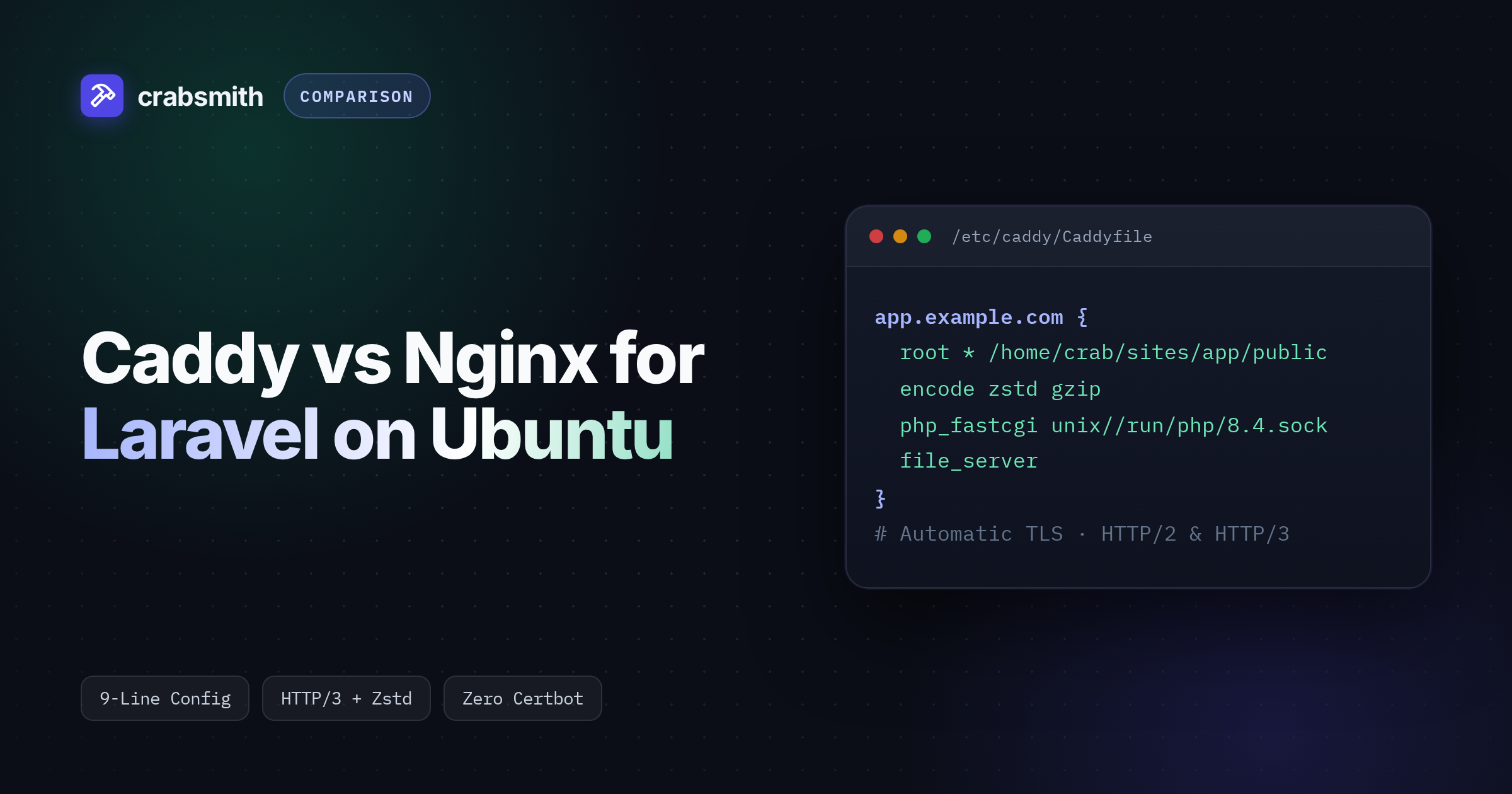
On this page
Choosing Caddy vs Nginx for Laravel on Ubuntu is one of those decisions that looks tiny on day one and pays you back every single week for the next three years.
If you've been deploying PHP apps for a while, you probably have an Nginx server block memorized in muscle memory. I ran Nginx in production for over a decade — it's fast, rock-solid, and battle-tested at massive scale. So when people first told me to switch to Caddy, my immediate reaction was healthy skepticism: "Why swap a C web server everyone knows for a Go binary just to save a few lines of config?"
Then I actually ran Caddy on real Ubuntu 24.04 and 26.04 production servers. Within a month, I stopped missing Certbot renewal crons, stopped hunting down try_files edge cases, and realized I hadn't once woken up to an expired TLS certificate or a broken nginx -t reload after a Certbot update.
This isn't a fanboy post — Nginx is still fantastic and still beats Caddy in specific workloads. Below, we'll put the real Ubuntu 24.04/26.04 Laravel configs side by side, talk honestly about PHP-FPM performance, walk through six real-world Laravel edge cases (Cloudflare Flexible SSL, Laravel Reverb WebSockets, live reload safety, large uploads, static asset caching, and structured access logs), and be crystal clear about when you should stick with Nginx.
Caddy vs Nginx for Laravel: The Real Config Side-by-Side
Let's start with what you actually have to read, review, and maintain on disk.
Here is a complete, production-ready Laravel site in Caddy (/etc/caddy/sites/app.example.com.caddy):
app.example.com {
    root * /home/crab/sites/app.example.com/public
    encode zstd gzip

    # Security headers
    header {
        X-Frame-Options "SAMEORIGIN"
        X-Content-Type-Options "nosniff"
        Referrer-Policy "strict-origin-when-cross-origin"
        -Server
        -X-Powered-By
    }

    # Block dotfiles and sensitive paths explicitly
    @blocked path /.env* /.git* /storage/* /vendor/*
    respond @blocked 404

    php_fastcgi unix//run/php/php8.4-fpm.sock
    file_server
}
Count what that 18-line file gives you automatically without a single extra tool:
- Automatic Let's Encrypt HTTPS (with ZeroSSL fallback if Let's Encrypt has an outage)
- Automatic HTTP → HTTPS 308 redirect
- Automatic certificate renewal with exponential backoff and OCSP stapling
- HTTP/2 and HTTP/3 (QUIC) enabled out of the box
- Zstd + Gzip compression (
encode zstd gzip) - Clean Laravel routing (
php_fastcgiautomatically handlestry_files,index.php,SCRIPT_FILENAME, andPATH_INFO)
Now compare that with the equivalent Nginx configuration — before you even wire up Certbot, TLS ciphers, or HTTP/3:
server {
    listen 80;
    listen [::]:80;
    server_name app.example.com;
    return 301 https://$host$request_uri;
}

server {
    listen 443 ssl http2;
    listen [::]:443 ssl http2;
    server_name app.example.com;
    root /home/crab/sites/app.example.com/public;
    index index.php;

    ssl_certificate /etc/letsencrypt/live/app.example.com/fullchain.pem;
    ssl_certificate_key /etc/letsencrypt/live/app.example.com/privkey.pem;
    ssl_protocols TLSv1.2 TLSv1.3;
    ssl_ciphers HIGH:!aNULL:!MD5;
    ssl_prefer_server_ciphers on;

    charset utf-8;
    server_tokens off;

    add_header X-Frame-Options "SAMEORIGIN" always;
    add_header X-Content-Type-Options "nosniff" always;
    add_header Referrer-Policy "strict-origin-when-cross-origin" always;

    gzip on;
    gzip_types text/plain text/css application/json application/javascript text/xml application/xml;

    location / {
        try_files $uri $uri/ /index.php?$query_string;
    }

    location = /favicon.ico { access_log off; log_not_found off; }
    location = /robots.txt  { access_log off; log_not_found off; }

    error_page 404 /index.php;

    location ~ \.php$ {
        fastcgi_pass unix:/run/php/php8.4-fpm.sock;
        fastcgi_param SCRIPT_FILENAME $realpath_root$fastcgi_script_name;
        include fastcgi_params;
        fastcgi_hide_header X-Powered-By;
    }

    location ~ /\.(?!well-known).* {
        deny all;
    }
}
And on top of that 50-line file, you still need certbot, python3-certbot-nginx, a systemd renewal timer, a post-renewal systemctl reload nginx hook, and periodic checks to make sure Certbot didn't silently break after a Python or Ubuntu upgrade.
Neither config is rocket science. If you love Linux, you can maintain both. The difference is cognitive load when you're managing five apps on three servers and debugging an issue at 11 p.m.
Let's Talk Performance Honestly: Is Nginx Faster for Laravel?
This is the first question every performance-minded developer asks, and it deserves a straight engineering answer instead of hand-waving.
In synthetic static-file benchmarks (serving a 1 KB hello.txt at 50,000 requests/second on a 16-core box), Nginx uses less CPU and pushes higher raw RPS than Caddy. That's a real architectural difference: C's event loop with zero garbage collection vs. Go's runtime and GC.
Now measure a real Laravel request:
- TLS handshake + reverse proxy hop over Unix socket: ~0.2–0.5 ms
- PHP-FPM waking up, booting Laravel, running middleware, hitting PostgreSQL/MySQL + Redis, rendering Blade/JSON: 15–120 ms
When 98% of your request latency lives inside PHP-FPM and your database, the 0.2 ms difference between Caddy and Nginx is completely invisible in production. Meanwhile, Caddy's built-in HTTP/3 (QUIC) and Zstd compression often make real-world mobile page loads feel faster because JS/CSS bundles shrink an extra 10–15% over gzip and QUIC eliminates TCP head-of-line blocking on flaky cell networks.
Quick Sanity Check You Can Run Yourself
Want to see where time is actually spent on your own server? Use curl with a timing format string:
curl -o /dev/null -s -w \
  "dns: %{time_namelookup}s\nconnect: %{time_connect}s\ntls: %{time_appconnect}s\nttfb: %{time_starttransfer}s\ntotal: %{time_total}s\n" \
  https://app.example.com/
If tls is 0.04s and ttfb is 0.18s, your bottleneck is PHP/SQL — optimize queries, enable OPcache (opcache.validate_timestamps=0), and cache config/routes before worrying about C vs. Go in front of your Unix socket.
6 Real-World Laravel Edge Cases in Caddy (With Working Snippets)
The real test of a web server isn't Hello World — it's the weird production setups every developer hits eventually. Here are six I run into constantly.
1. Cloudflare Proxy in Flexible SSL Mode
A ton of developers put their sites behind Cloudflare's orange cloud in Flexible SSL mode, where Cloudflare terminates HTTPS at the edge and connects to your origin over plain HTTP on port 80.
If your Caddyfile uses app.example.com { ... } (which defaults to HTTPS + automatic HTTP→HTTPS redirect), Cloudflare hits port 80, Caddy redirects to 443, Cloudflare bounces back to port 80, and your browser dies with ERR_TOO_MANY_REDIRECTS.
The fix is one prefix — explicitly bind to http://:
http://app.example.com {
    root * /home/crab/sites/app.example.com/public
    encode zstd gzip
    php_fastcgi unix//run/php/php8.4-fpm.sock
    file_server
}
And if you want to lock port 80 down so only Cloudflare's IP ranges can hit your origin, add a quick UFW rule or Caddy remote_ip matcher. (If you're using Cloudflare Full (Strict) mode instead, stick with normal app.example.com { ... } and let Caddy keep a real Let's Encrypt cert on the origin.)
2. Laravel Reverb or WebSockets Alongside PHP-FPM
In Nginx, proxying WebSockets requires memorizing four magic headers (proxy_http_version 1.1, Upgrade, Connection "upgrade", proxy_read_timeout). In Caddy, WebSockets work automatically out of the box:
app.example.com {
    root * /home/crab/sites/app.example.com/public
    encode zstd gzip

    # Laravel Reverb WebSocket server on localhost:8080
    reverse_proxy /app/* 127.0.0.1:8080
    reverse_proxy /apps/* 127.0.0.1:8080

    php_fastcgi unix//run/php/php8.4-fpm.sock
    file_server
}
That's literally it. Caddy handles the HTTP upgrade, preserves X-Forwarded-For and X-Forwarded-Proto automatically, and keeps long-lived WebSocket connections alive cleanly.
3. Large File Uploads & Slow Export Endpoints
By default, Nginx caps uploads at 1m (client_max_body_size), which surprises every Laravel developer the first time a user uploads a 5 MB avatar. Caddy doesn't impose a tiny default cap, which is great — though you should set a sane ceiling so nobody can exhaust your disk, and match it in php.ini:
app.example.com {
    root * /home/crab/sites/app.example.com/public
    request_body {
        max_size 32MB
    }
    php_fastcgi unix//run/php/php8.4-fpm.sock {
        read_timeout 120s
    }
    file_server
}
Pair that with upload_max_filesize = 32M and post_max_size = 32M in /etc/php/8.4/fpm/conf.d/99-production.ini, then reload both PHP-FPM and Caddy.
4. PHP-FPM Socket Permissions (The #1 "502 Bad Gateway" Cause)
If you ever see 502 Bad Gateway right after wiring Caddy to PHP-FPM on Ubuntu, check journalctl -u caddy -n 30 first. Nine times out of ten you'll see:
dial unix /run/php/php8.4-fpm.sock: connect: permission denied
That happens because Ubuntu's default PHP-FPM pool creates the socket owned by www-data:www-data with mode 0660, while Caddy runs as the caddy user. Two clean fixes:
- Either set
listen.owner = caddyandlisten.group = caddyin/etc/php/8.4/fpm/pool.d/www.conf, or - Add
caddyto thewww-data(orcrab) group:sudo usermod -aG www-data caddy && sudo systemctl restart caddy.
Verify the socket permissions with ls -la /run/php/php8.4-fpm.sock and you'll never hit that 502 again.
5. Immutable Caching for Vite Assets & Structured Access Logs
Vite fingerprints every file inside public/build/assets/, which means browsers and CDNs can safely cache them for a full year. Add a 3-line matcher plus a rotating JSON access log so debugging slow routes with jq is effortless:
app.example.com {
    root * /home/crab/sites/app.example.com/public
    encode zstd gzip

    @assets path /build/assets/*
    header @assets Cache-Control "public, max-age=31536000, immutable"

    log {
        output file /var/log/caddy/app.example.com.log {
            roll_size 50mb
            roll_keep 5
        }
    }

    php_fastcgi unix//run/php/php8.4-fpm.sock
    file_server
}
When something feels slow in production, one jq pipeline shows you the slowest routes in seconds:
tail -n 2000 /var/log/caddy/app.example.com.log \
  | jq -r 'select(.duration > 0.5) | "\(.status) \(.duration|round)s \(.request.method) \(.request.uri)"'
6. Zero-Downtime Validation and Reloads
Never run systemctl restart caddy on a live server when a reload will do. Always validate first, then reload atomically so in-flight requests finish cleanly:
caddy fmt --overwrite /etc/caddy/Caddyfile
caddy validate --config /etc/caddy/Caddyfile && sudo systemctl reload caddy
If there's a syntax typo, caddy validate exits non-zero and your running site stays 100% online.
When Nginx Is Still the Better Choice
I love Caddy, but good engineering means knowing where your favorite tool isn't the best fit. Stick with Nginx if:
- You serve massive static-file bandwidth (tens of thousands of concurrent media/asset downloads per second) where Nginx's C event loop and
sendfile+aiotuning genuinely save you servers. - You rely on specialized Nginx modules — OpenResty/Lua scripting,
ngx_http_image_filter_module, custom RTMP streaming, or complex legacy rewrite rule suites that would take days to port. - Your team has deep Nginx + Ansible/Terraform automation already battle-tested across dozens of servers. Switching web servers mid-flight just for aesthetics isn't worth the churn.
- You're already happy on Laravel Forge or Ploi, which are built around Nginx from top to bottom.
For almost every other Laravel, Symfony, WordPress, or Node.js app running on Ubuntu 24.04 or 26.04, Caddy cuts your web-server maintenance work by 80% with zero practical downside.
How Crabsmith Runs Caddy Without Taking Over Your Server
When we built Crabsmith, choosing Caddy as the default web server was an easy call. Each site gets its own clean, readable Caddyfile block in /etc/caddy/sites/ (see Sites and Configuration), automatic HTTPS works out of the box, and Crabsmith follows a strict rule: it never wipes or overwrites files it didn't create.
Want to add a custom reverse proxy rule, rate limit, or security header? Edit it cleanly or inspect the exact Bash script Crabsmith runs over agentless SSH. And if you ever leave Crabsmith, your Ubuntu server and Caddy configs keep running without missing a beat.
Ready to deploy a Laravel app with Caddy and zero Nginx boilerplate? Read our full Ubuntu VPS Laravel deployment guide or start a 7-day free trial (no credit card required).