 crabsmith
Coolify Alternative Without Docker: Bare-Metal SSH on Ubuntu
Looking for a Coolify alternative without Docker RAM overhead? Compare Coolify, Dokploy, and bare-metal Ubuntu SSH panels with native Caddy and systemd.
· 7 min read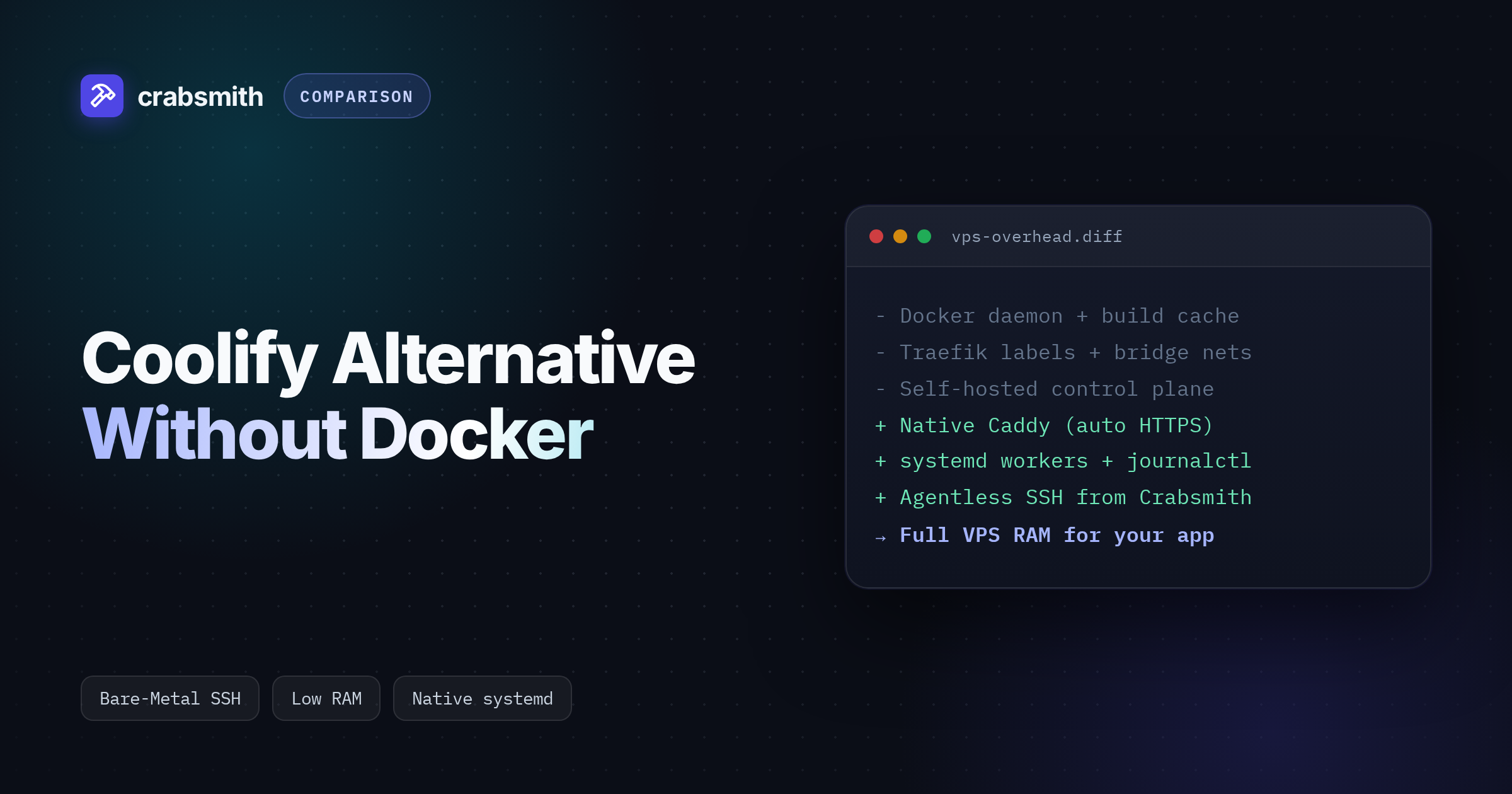
On this page
Developers usually start searching for a Coolify alternative right after one very specific, very familiar evening.
You spun up a nice €4/mo Hetzner CX22 (2 vCPU, 4 GB RAM, 40 GB NVMe), installed Coolify, connected GitHub, and felt like a genius for the first 48 hours. Then two weeks later:
- A
git pushtriggers a Docker image build that spikes RAM and OOM-kills your PostgreSQL container. - Or
df -hsuddenly shows 94% disk used because Docker build caches and old image layers silently ate 22 GB. - Or a simple Laravel/Next.js site throws a
502 Bad Gatewayand you lose two hours untangling Traefik dynamic labels, Docker bridge networks, and bind-mount permissions for an app that could have been a single native process on Ubuntu.
Let me be clear up front: Coolify is genuinely awesome software. Andras and the community built an impressive open-source PaaS, and if you truly need Docker containers, polyglot runtimes, or PR preview environments on an 8–16 GB server, Coolify is a fantastic choice.
The mistake isn't Coolify — the mistake is reaching for a Docker orchestrator when you're running standard PHP (Laravel, WordPress, Symfony), Node.js, or Next.js apps on a small Ubuntu VPS. This guide breaks down the real architectural trade-offs between Coolify, Dokploy, and a bare-metal SSH control panel (Crabsmith), shows the actual RAM and disk numbers on a 4 GB VPS, walks through migrating an app off Coolify cleanly, and helps you decide which model fits your workload.
(Want the quick side-by-side table? Check our Coolify alternative landing page or our Laravel Forge alternative comparison.)
Why So Many Developers Bounce Off Docker PaaS on Small VPSes
Docker solved a real problem for large engineering orgs shipping 40 heterogeneous microservices. On a solo developer's or small team's $5–$10/mo Ubuntu VPS, however, the container layer introduces four taxes you pay every single week:
1. The RAM and disk tax before your app even handles traffic
On a bare-metal Ubuntu 24.04 or 26.04 server running Caddy + PHP 8.4-FPM (or Node.js), idle OS + web server memory sits around 150–250 MB. Almost all of your 4 GB VPS is free for your database, Redis, and actual application workers.
On a self-hosted Coolify box (or any Docker PaaS running the control plane + Docker daemon + containerized Traefik + buildkit on the same 4 GB VPS), you're commonly spending 0.9–1.4 GB of RAM before your own app even starts. Add a Next.js or Composer build inside a container, and your 4 GB box hits swap or the OOM killer fast.
Even worse is disk creep. Run docker system df after a month of daily pushes and watch how fast dangling images, Nixpacks caches, and build layers eat a 40 GB NVMe disk unless you set up aggressive prune crons.
2. Three layers of indirection when debugging at 2 a.m.
When a bare-metal Ubuntu service misbehaves, you SSH in and run one command:
journalctl -u crab-daemon-worker -n 100 --no-pager
When a containerized PaaS app misbehaves, you're chasing a four-hop mystery:
- Did the Nixpacks/Dockerfile build finish cleanly?
- Is the container crash-looping (
docker ps -a,docker logs)? - Are the Traefik routing labels attached to the right Docker network?
- Did a bind mount break file ownership between the host UID and the container UID?
When you love coding and shipping products, spending a Friday night debugging Docker bridge networking for a Laravel monolith feels completely backwards.
3. Self-hosting the control plane means one more server to babysit
Running Coolify self-hosted means you are now the sysadmin for the Coolify server itself — upgrading Coolify versions, backing up its database, keeping its SSH keys safe, and fixing it if an update breaks the dashboard. (Or paying for Coolify Cloud, which costs $5/mo for 2 servers plus $3/mo per extra server — and still puts Docker + Traefik on every app server.)
4. Subtle security footguns (Docker vs. UFW)
One Linux security quirk that surprises a lot of developers: Docker writes directly to iptables and bypasses UFW rules by default. If you publish a database or admin port as -p 5432:5432 instead of -p 127.0.0.1:5432:5432, UFW's deny incoming policy will not block external traffic to that container. On a native Ubuntu server without Docker, UFW + 127.0.0.1 bindings behave exactly the way you expect every single time.
Coolify vs. Dokploy vs. Bare-Metal SSH (Crabsmith)
Here is how the three most popular VPS deployment models compare honestly:
| Dimension | Coolify | Dokploy | Crabsmith (Bare-Metal SSH) |
|---|---|---|---|
| Runtime model | Docker + Docker Compose | Docker + Docker Swarm / Compose | Native Ubuntu 24.04 / 26.04 |
| Control plane | Self-hosted PHP app (or Cloud) | Self-hosted Next.js app (or Cloud) | Hosted SaaS panel (zero agent on VPS) |
| Web server & TLS | Traefik / Caddy in Docker | Traefik in Docker | Native Caddy (auto HTTPS + HTTP/3) |
| Idle RAM overhead | ~0.9–1.4 GB (if self-hosted on box) | ~0.5–0.9 GB | ~150–250 MB (OS + Caddy only) |
| Background workers | Separate Docker containers | Separate Docker services | Native systemd units (journalctl) |
| Lock-in if you leave | Medium (Compose + proxy labels) | Medium (Swarm/Compose + Traefik) | Zero (plain Ubuntu + Caddy + systemd) |
| Pricing | Free self-hosted / $5+ Cloud | Free self-hosted / $4.50+ Cloud | $5/mo (2 servers) / $12/mo unlimited |
(Want a deeper look at Coolify vs Dokploy specifically? We also compare them side by side in Coolify vs Dokploy vs Bare-Metal SSH.)
What a Bare-Metal Coolify Alternative Feels Like Day to Day
When you manage an Ubuntu 24.04 or 26.04 VPS with Crabsmith, there is no Docker daemon and no proprietary agent sitting on your server. Crabsmith connects strictly over OpenSSH when you click an action, runs readable Bash scripts you can inspect, and disconnects.
Here is what actually runs on your server:
- Caddy handles every domain with automatic Let's Encrypt HTTPS, HTTP/2, HTTP/3, and Zstd compression in a clean 12-line file per site (see Caddy vs Nginx for Laravel).
- Only the services you choose from Services — PHP 8.4-FPM, Node.js, pnpm, PostgreSQL, MySQL, or Redis. Nothing is installed on initial setup unless you ask for it.
- GitHub push-to-deploy runs a plain, editable Bash deploy script (see Deploys). Deploys take 5–15 seconds instead of waiting 2 minutes for a Docker image build.
- Background workers & cron run as real
systemdunits (Daemons) and standard crontabs (Schedules).
Want to check disk, memory, and running services on a Crabsmith server after six months in production?
free -h
df -h /
sudo ss -tulpn
systemctl list-units --type=service 'crab-*' --no-pager
No 15 GB /var/lib/docker/overlay2 mystery directory. No stale build cache. And if you ever stop using Crabsmith, delete its SSH key from /home/crab/.ssh/authorized_keys and your entire Ubuntu production server keeps running untouched.
How to Migrate an App Off Coolify to Bare-Metal Ubuntu in 15 Minutes
Moving a Laravel or Node.js app off a Dockerized Coolify server is cleaner than you'd expect — don't tear down Docker in place; spin up a fresh Ubuntu 24.04 or 26.04 VPS and cut over cleanly:
- Dump your database from the Coolify container:
# Find the running Postgres or MySQL container name docker ps --format "table {{.Names}}\t{{.Image}}" # Export Postgres cleanly from inside the container docker exec -t YOUR_POSTGRES_CONTAINER pg_dump -U postgres --format=custom --no-owner app_prod > /tmp/app_prod.dump - Provision your fresh Ubuntu VPS with only Caddy + PHP 8.4 (or Node.js) + PostgreSQL/MySQL + Redis.
- Copy your
.envvalues from Coolify's Environment Variables screen (remember to changeDB_HOSTandREDIS_HOSTfrom Docker service names likepostgresorredisback to127.0.0.1!). - Restore the database on the new server (
pg_restore --no-owner -d app_prod /tmp/app_prod.dump), deploy from GitHub, test with/etc/hosts, and flip your DNSArecord.
Most developers immediately notice deploys drop from ~90 seconds to ~10 seconds and free RAM jumps by over 1 GB on the exact same €4/mo hardware.
When You Should Stick With Coolify (Be Honest About Your Stack)
A bare-metal SSH panel isn't the right answer for every project. Keep Coolify (or Dokploy) if:
- You deploy polyglot Dockerfiles — e.g., a Python ML worker, a Go gRPC service, a Rust binary, and a headless Chromium container all sharing one beefy 16 GB+ box.
- You rely heavily on Git PR preview environments spun up automatically per pull request inside isolated containers.
- You love Coolify's one-click open-source catalog (Plausible, n8n, PocketBase, Ghost, MinIO, etc.) and want to self-host 10 community tools on a single large server without touching Linux packages.
- You specifically want a $0 self-hosted control plane and enjoy maintaining the control plane server yourself.
Try Bare-Metal Simplicity on Your Next VPS
If you run PHP, Laravel, WordPress, Node.js, or Next.js on Hetzner, DigitalOcean, Vultr, or AWS and want PaaS convenience without Docker overhead, give Crabsmith a spin.
- Hobby: $5/mo for up to 2 servers
- Pro: $12/mo for unlimited servers
- Business: $29/mo for unlimited servers, workspaces, and team members
- 7-day free trial with no credit card required
Connect an Ubuntu 24.04 or 26.04 VPS in five minutes via Getting started, deploy with our Laravel or Next.js guide, and keep 100% ownership of your server. Start your free trial.