 crabsmith
Vercel vs VPS: What the Same App Really Costs (and the $96k Bill)
Real Vercel and cloud bills, what Vercel Pro costs in 2026, how much a small team saves on a VPS behind Cloudflare, and when the cloud is still the right call.
· 12 min read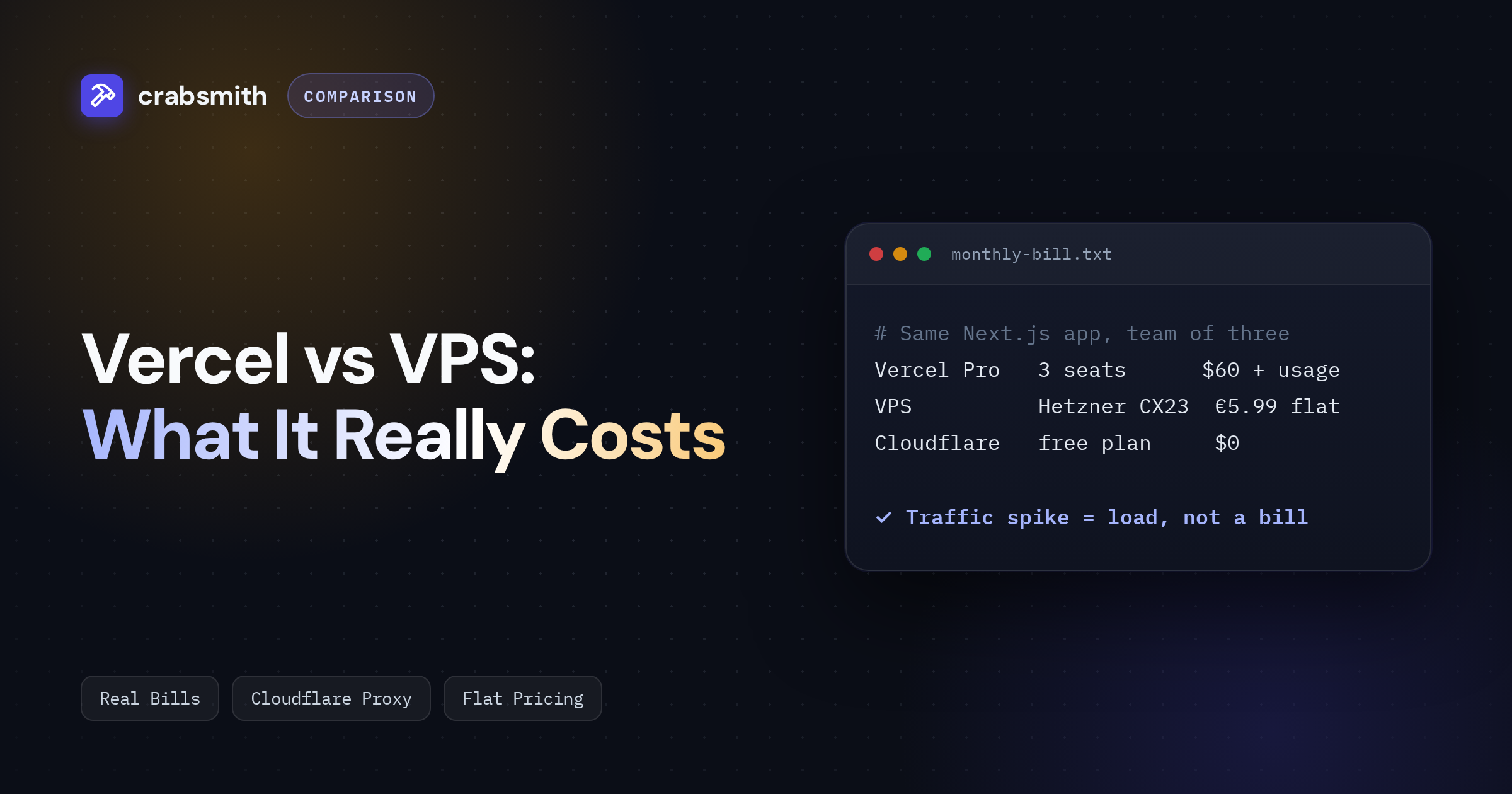
On this page
In June 2024, Cara, an artist-run social app, went from about 40,000 users to 650,000 in a single week as artists left Instagram over Meta's AI policies. That is the dream. Then the founder posted the Vercel bill: about $96,000. If you have ever weighed Vercel vs VPS hosting, that number is a good place to start. Vercel's Lee Robinson explained it publicly. On June 3, Cara's API was handling 56 million function invocations a day, because the mobile app talked to an API deployed as serverless functions, and every one of those calls was metered.
I want to be careful with that story, because it is easy to tell it as "Vercel is evil," and that is not the lesson. The developer who first set Cara up on Vercel said on Hacker News that he would still choose it again: preview branches and how easy it made shipping without thinking about servers. Vercel's spend management was opt-in, and Cara's project predated it.
The real lesson is quieter and more useful. On usage-based hosting, your bill follows your traffic. On a VPS, your bill follows your server. One of those can surprise you. The other one can only slow down.
This post is the long version of that idea: what the same app costs on Vercel and on a VPS behind Cloudflare, where the money actually goes, the real bills people have posted, and, because it matters, when you should stay on Vercel.
The bills people actually posted
Cara is not alone. Here are the ones with primary sources, all public:
- A static site and a $104,500 bill (Netlify, February 2024). A developer's simple static site, on the free tier for four years, served 190 TB in four days, billed at $55 per 100 GB. The story reached 1,783 points on Hacker News, and Netlify's CEO stepped in and waived it. Different company, same model: you pay per gigabyte, and someone else decides how many gigabytes there are.
- A possible $7,000 bill from bots resizing images (Vercel, February 2025). Metacast, a small podcast startup, wrote a post-mortem after Amazonbot, ClaudeBot, Meta's crawler and one unknown bot sent 66,500 requests in a day and scraped thousands of images through Next.js image optimization, then billed at $5 per 1,000 images. Their worst case was about $7,000; they caught it in time. Vercel has since cut that price a lot, and credit to them for that.
- 11 million requests from one crawler (January 2026). A developer on r/webdev found that Meta's crawler had made 11 million requests to their site in 30 days. On a server that is load. On per-request pricing, every one of those is a line on the invoice.
Notice what is in common. None of these were bad engineers. Each one was a normal app plus one thing nobody planned for: viral growth, a traffic flood, a crawler. On metered hosting, unplanned traffic turns directly into money.
And the same thing happens one level down, with ordinary cloud servers:
- DigitalOcean to Hetzner: $1,432 to $233 a month. Isa Yeter moved a production setup (248 GB of MySQL across 30 databases, 34 Nginx sites, GitLab) to a Hetzner dedicated box with three times the CPU threads and more RAM. That is $14,388 a year saved, with zero downtime.
- AWS and DigitalOcean to Hetzner: $559.36 to $132.96 a month, -76%. Digital Society, a bootstrapped startup, wrote up their move after AWS credits ran out and a modest Fargate setup with a load balancer and a NAT gateway grew to $449.50 a month for two environments.
- 37signals left the cloud entirely. They spent $3.2 million on cloud in 2022, bought about $600,000 of Dell servers, and estimated $7 million saved over five years. That is owned hardware in data centers, a bigger jump than a VPS, but the direction is the same.
Where the money goes on Vercel (in late 2026)
Let's be precise, because Vercel's pricing changed a lot after 2024, mostly for the better. Here is what Pro costs today, from Vercel's own pricing page and docs:
- $20 a month platform fee, which includes one deploying seat and $20 of usage credit.
- $20 a month for every extra developer seat. With Auto Approval on, a commit author who pushes to a connected private repo can be added as a paid seat automatically.
- CDN traffic is now covered by Flat Rate CDN: Pro includes 1 million CDN requests and 1 TB of transfer, then fixed tiers ($20, $100, $300 a month). This is a real improvement. A traffic spike on static pages no longer makes your bill explode.
- Functions are still metered. Active CPU starts at $0.128 per hour, provisioned memory at $0.0106 per GB-hour, invocations at $0.60 per million after the first million, and Fast Origin Transfer at $0.06 per GB after 10 GB. Rates vary by region. Flat Rate CDN does not cover these.
- Image optimization is $0.05 per 1,000 transformations after 5,000.
- Spend management sends notifications at $200 by default for new customers. You can set it to pause projects at a limit, which turns a surprise bill into a surprise outage.
- Hobby is free, but personal and non-commercial only. The terms say so. The moment your side project takes money, you are on Pro.
So the remaining risks are no longer mostly bandwidth. They are seats (which grow with your team) and compute (which grows with anything that runs on the server: APIs, server rendering, middleware, bots).
A back-of-envelope API
Take a small but real API. It averages 20 requests a second around the clock, and each request uses 50 ms of CPU. That is about 52 million requests a month and one CPU core busy on average. On Vercel's cheapest region, roughly:
| Item | Usage a month | Cost |
|---|---|---|
| Active CPU | ~720 CPU-hours | ~$92 |
| Invocations | ~52 million | ~$30 |
| Provisioned memory | one 2 GB instance alive all month, ~1,440 GB-hours | ~$15 |
| Pro platform fee | $20, paid back by the $20 credit | $0 net |
| Total | ~$140 a month |
The same load on a Hetzner CX33 (4 vCPUs, 8 GB of RAM, 80 GB of NVMe, 20 TB of traffic) costs €8.99 a month, and it would only be about a quarter busy. Double the traffic and Vercel doubles. The server stays at €8.99.
This is a simplified calculation. Real Next.js apps are a mix of cached pages and dynamic ones, and Vercel's fluid compute shares instances between concurrent requests, which helps. But the shape is right: steady server work is the most expensive thing you can put on per-request pricing.
Vercel vs VPS for a team of three
Here is the comparison that most of our readers actually face: three developers, one Next.js app with an API, a Postgres database, a bit of background work.
| Vercel Pro | VPS + Cloudflare + Crabsmith | |
|---|---|---|
| Seats | 3 × $20 = $60 | $0 (Crabsmith Pro includes 2 invited teammates) |
| Hosting | usage beyond the $20 credit | Hetzner CX23, €5.99 (~$7): 2 vCPUs, 4 GB, 20 TB traffic |
| Database | a separate managed Postgres | Postgres on the same server |
| CDN and DDoS protection | included | Cloudflare free plan |
| Panel | Crabsmith Pro, $12 | |
| Before usage | $60 a month + database | ~$19 a month, flat |
That is about $500 a year saved before a single request is served, and the VPS column does not move when traffic does. Add the API from the last section and the gap becomes well over $1,500 a year.
Prices are moving, to be fair to the VPS side too. Hetzner raised prices in 2026 because RAM and disk got expensive, and its cheapest x86 box is now €5.99 instead of around €4. Cheap VPS prices are still a small fraction of metered compute.
Why a VPS behind Cloudflare is so cheap
It is not magic. It is three things:
- You pay for capacity, not activity. A VPS is a flat monthly price with a cap. Hetzner's page says it plainly: the bill will never exceed the monthly price. When traffic gets heavy, the worst case is a slow site, not a five-figure invoice.
- Bandwidth is bundled. Hetzner includes at least 20 TB a month in the EU and charges €1 for each extra TB. DigitalOcean's $6 droplet includes 1,000 GiB. Compare that to Netlify's old $55 per 100 GB.
- Cloudflare's free plan absorbs most of the traffic. Static files (your
/_next/staticbundles, images, CSS) are cached at Cloudflare's edge and never reach your server. DDoS protection is unmetered on every plan, and there is a one-click toggle to block AI scrapers and crawlers, also on the free plan. The two crawler stories above are a toggle away from not happening.
One honest caveat on Cloudflare's free plan: its terms allow Cloudflare to limit sites that serve video or a disproportionate amount of large files through the free CDN. For a normal web app this never comes up. For a video site, use their paid products or put media on storage like R2.
Moving a Next.js app to a VPS, step by step
Next.js runs fine on your own server. The Next.js self-hosting docs say a Node.js server with next start supports all Next.js features, server rendering, API routes and image optimization included. Here is the setup I would use on Ubuntu 24.04 or 26.04.
1. Run the app with systemd
Build once, then keep next start running as a service so it restarts after a crash or a reboot:
# /etc/systemd/system/nextjs-app.service
[Unit]
Description=Next.js app (app.example.com)
After=network.target

[Service]
User=crab
WorkingDirectory=/home/crab/sites/app.example.com
Environment=NODE_ENV=production
Environment=PORT=3000
ExecStart=/usr/bin/npm run start
Restart=always
RestartSec=3

[Install]
WantedBy=multi-user.target
sudo systemctl daemon-reload
sudo systemctl enable --now nextjs-app
journalctl -u nextjs-app -f
2. Put Caddy in front
Caddy takes the public traffic and passes it to the app on port 3000. If Cloudflare is in front in Flexible SSL mode, Cloudflare talks to your server over plain HTTP, so the site block starts with http:// to avoid a redirect loop:
http://app.example.com {
    encode zstd gzip
    reverse_proxy 127.0.0.1:3000
}
If you prefer Full (strict) mode, drop the http:// and let Caddy fetch its own Let's Encrypt certificate. Both work. Validate and reload with sudo caddy validate --config /etc/caddy/Caddyfile && sudo systemctl reload caddy.
3. Turn on the Cloudflare proxy
In Cloudflare, point an A record at your server's IP with the proxy on (the orange cloud). Then:
- Caching: Cloudflare caches common static file types by default, which covers
/_next/static/*. Next.js already marks those files as immutable. Add a Cache Rule for/_next/image*too, so resized images are kept at the edge instead of being made again on your server. - Bots: under Security, switch on Block AI bots. It is free.
- HTML stays dynamic: Cloudflare does not cache HTML unless you tell it to, so logged-in pages are safe by default.
4. Only let Cloudflare reach the server
Once the proxy is on, nobody should be able to skip Cloudflare and hit your server's IP directly. Allow HTTP only from Cloudflare's published ranges (cloudflare.com/ips):
for ip in $(curl -s https://www.cloudflare.com/ips-v4) $(curl -s https://www.cloudflare.com/ips-v6); do
  sudo ufw allow from "$ip" to any port 80,443 proto tcp
done
sudo ufw allow 22/tcp
sudo ufw --force enable
sudo ufw status numbered
Cloudflare updates that list rarely, but it does change, so check it when you set up a new server.
5. Deploy on push
The deploy itself is the boring part: pull, install, build, restart.
#!/usr/bin/env bash
set -euo pipefail
cd /home/crab/sites/app.example.com
git fetch origin main && git reset --hard origin/main
npm ci
npm run build
sudo systemctl restart nextjs-app
Run it from a GitHub webhook or GitHub Actions over SSH, and you have push-to-deploy. For the full first-time server work (users, SSH hardening, swap, security updates), follow our Ubuntu 24.04 server setup checklist.
What you give up (be honest with yourself)
A VPS is cheaper because you take on some work. Before you move, know exactly what it is:
- Patching. Security updates are on you. Ubuntu's
unattended-upgradeshandles most of it, but kernel updates still need a reboot at a time you pick. - Backups. Vercel has no database to lose; your VPS does. Use your provider's snapshots (Hetzner's backups add 20% to the server price) plus nightly
pg_dumpormysqldumpcopies sent off the server, for example to Cloudflare R2. Test a restore once. Seriously. - One box is one box. If the server goes down, the site goes down. For most small apps, a well-run single server is more reliable than people expect, but it is not multi-region failover.
- Scaling is a decision, not automatic. When you outgrow the box, you resize it (a short reboot on most clouds) or split the database onto a second server. You will see it coming in your graphs, but you have to act.
- Preview deploys. Per-pull-request preview URLs are one of Vercel's best features. You can build something similar on a VPS, but it is work.
When you should stay on the cloud
I mean this part. Stay on Vercel, or a similar platform, when:
- Your traffic is spiky and you would rather pay than be slow. A launch, a TV spot, a viral week. Vercel scales without you, and now has spend limits to cap the damage. A $7 VPS will not absorb Cara's week.
- Nobody on the team wants to own a server. Patching and backups are small jobs, but someone has to do them. If that person does not exist, the platform fee is buying you a real thing.
- You depend on platform features. Preview deploys for every PR, edge middleware in many regions, or the newest Next.js features that Vercel ships first.
- Your site is mostly static and global. With Flat Rate CDN, a static or cached site on Vercel Pro is now cheap and very fast everywhere.
- You are on free credits. Use them. Just know the date they end, and plan the bill after.
And the flip side. Move to a VPS when:
- Your bill is mostly compute: APIs, server rendering, background jobs, websockets. That is the exact work metered pricing charges the most for.
- Your team is growing. Seats are a tax on hiring.
- You want a hard ceiling. A bootstrapped company cannot afford to learn about crawlers from an invoice.
- You run more than Next.js. Laravel, queues, cron jobs, Postgres and Redis all fit on one Ubuntu box, next to each other, for one price.
A lot of teams end up with both: marketing site on a platform, app and API on a VPS. That is a perfectly good answer.
Where Crabsmith fits
Everything in the step-by-step section above is what Crabsmith does for you, over SSH, with no agent installed on your server. It is a hosted control panel: you connect a Ubuntu 24.04 or 26.04 server (or create one on Hetzner, DigitalOcean, Vultr or UpCloud from the panel), pick only the services you want, and add your Next.js site from GitHub. Crabsmith installs Node.js, runs next start as a systemd daemon, puts Caddy in front, sets up security updates and the firewall, and deploys on every push. Every change it makes is a readable script. If you ever leave, the server keeps working as plain Ubuntu, Caddy and systemd.
There is a Next.js guide in the docs and an overview at Deploy Next.js on a VPS. If you run Laravel too, the same server takes it: see Deploy Laravel.
Plans are flat: Hobby is $5 a month for up to 2 servers, Pro is $12 with unlimited servers and 2 teammates, Business is $29 with unlimited teammates. Every plan has unlimited sites and deploys, and there is a 7-day free trial with no credit card.
Black Friday: until December 1 (23:59, UTC+7), the code BLACKFRIDAY40 takes 40% off any plan, for as long as you stay subscribed. Pro becomes $7.20 a month, on every renewal.
The short version
- Usage-based hosting turns unplanned traffic into money. A VPS turns it into load.
- Vercel fixed most of the bandwidth risk with Flat Rate CDN. Seats and compute are still metered, and they are where small teams pay the most.
- A three-person team saves about $500 a year before serving a request, and much more once there is a real API.
- A VPS costs you patching, backups and planning. Know that before you move, and automate it.
- Stay on the cloud for spiky traffic, zero-ops teams and preview-heavy workflows. Move to a VPS when your bill is mostly steady compute.
Sources
- Cara and Vercel: InfoQ, June 2024, and the Hacker News thread with the original developer's comment.
- Netlify $104k bill, and the CEO's reply: r/webdev and Hacker News.
- Metacast's bot post-mortem: metacast.app.
- Meta's crawler, 11 million requests: r/webdev and Hacker News.
- DigitalOcean to Hetzner: isayeter.com. AWS to Hetzner: digitalsociety.coop.
- 37signals: We stand to save $7m over five years.
- Prices: Vercel pricing, Vercel Pro plan, Flat Rate CDN, Hetzner Cloud, DigitalOcean Droplets, and Cloudflare's AI bot blocking. All checked November 27, 2026.